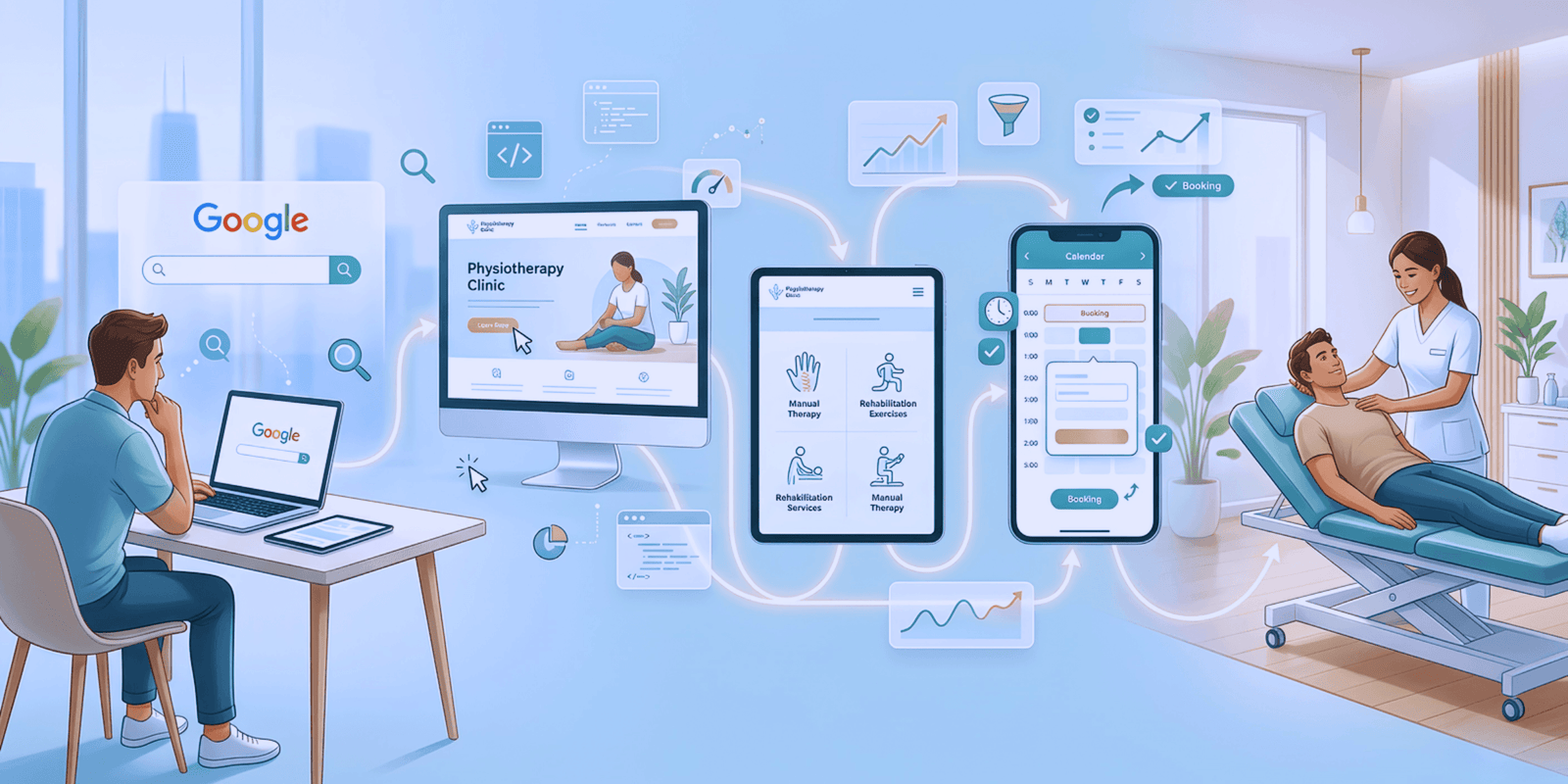
You checked Google Search Console. Your page is indexed. Technically, that means Google knows it exists. But when you search for your target keyword, it’s nothing. This is one of the most common frustrations we hear from clients at BrandCom:“Why my indexed pages do not show up in Google Search?”
To answer this properly, you need to understand how Google’s Search Process works. Indexing is only one part of the journey. If your page is not showing up, the problem likely lies further down the line.
Understand Google’s Search process
Before finding the answer for indexed pages do not show up in Google Search, you should find out how many steps in Google’s Search process.
According to Google Search Central, it must go through three stages:
- Crawling: Googlebot discovers your page through links from other pages or a sitemap.
- Indexing: Google processes your content, understands what it is about, and stores it in the Google Index.
- Serving and Ranking: When a user searches, Google looks through its index and ranks pages based on relevance, quality, usability, and many other signals.
So being indexed does not guarantee visibility. Your page has been stored in Google’s system, but it must still pass several layers of quality checks before being displayed.

Why your indexed pages do not show up in Google Search
Below are the most common reasons BRANDCOM encounters when helping clients solve this issue:
Low content quality or relevance – 1st Indexed pages problem
Even if your page is indexed, it may not meet Google’s quality standards or match the user’s intent:
- Thin or shallow content
- Duplicate content from other sites or your own
- Automatically generated or AI-spun content
- Missing clear alignment with the search query
✅ Fix: Create content that is helpful, original, and addresses what the user is really looking for. Go beyond keywords and focus on clarity and value.
Technical SEO issues after indexing
Pages can be indexed initially but later become blocked or deprioritised due to:
- A noindex tag added later
- robots.txt accidentally blocking the page
- Incorrect canonical tags pointing to a different page
✅ Fix: Use the URL Inspection Tool in Google Search Console to check the live version of the page. Remove any incorrect noindex tags or blocking rules. Correct canonical links if needed.
The page is ranking very low – Popular issue for the indexed pages
Your page might be indexed and technically appearing in search results, but at position 90 or lower. Most users never scroll that far.
✅ Fix:
- Review the Performance Report in Google Search Console to check impressions and average position
- Improve content depth, page experience, and keyword alignment
- Build backlinks from trusted sources
URL was removed or returns an error
A team member may have submitted a removal request via Search Console. Or the page may be returning a 404 (Not Found) or 410 (Gone) status code.
✅ Fix:
- Check the Removals report
- Use the URL Inspection Tool to see the last crawl status and server response
- Restore the page, make sure it returns 200 OK, then update the sitemap and request indexing.
Location or personalization limits visibility
Google adjusts search results based on a user’s location, language, and search history. Your page may appear in one region but not another.
✅ Fix: Ensure hreflang tags are correctly set up for international content. Understand that personalization is a normal part of modern search.

How to use Google Search Console to diagnose the problem
If your indexed pages do not show up in Google Search, Google Search Console provides all the clues you need:
- URL Inspection Tool: Review crawling and indexing status, mobile usability, and canonical tags for individual pages
- Coverage Report: Google shows you which pages are indexed, excluded, or flagged with warnings.
- Manual Actions Report: Google notifies you if it has applied any penalties to your site.
- Security Issues Report: Identify malware or hacking alerts
- Performance Report: Monitor impressions, clicks, average position, and keywords triggering your content
From indexed to visible
Getting indexed by Google is only the beginning. If your indexed pages do not show up in Google Search, the real work is in improving relevance, removing technical blockers, and proving value to both users and search engines.
At BRANDCOM, our digital marketing team in Gold Coast will help businesses identify exactly what is holding their content back and guide them step by step to better visibility and performance.
Need help uncovering what is stopping your content from ranking? Let us take a look. Often, the fix is simpler than you think, when you know where to look.